For iPhone & iPad

A clock that actually shows the seconds.

iOS’s built-in Clock app deliberately hides the second hand. Accurate Clock fills the gap — a clear analogue dial and a precise digital readout, SNTP-synced to time.apple.com, built for setting mechanical watches that hack.
View on GitHub See screenshots No tracking. Ever.
Accurate Clock app icon

What it does

Just a clock. A really good clock.

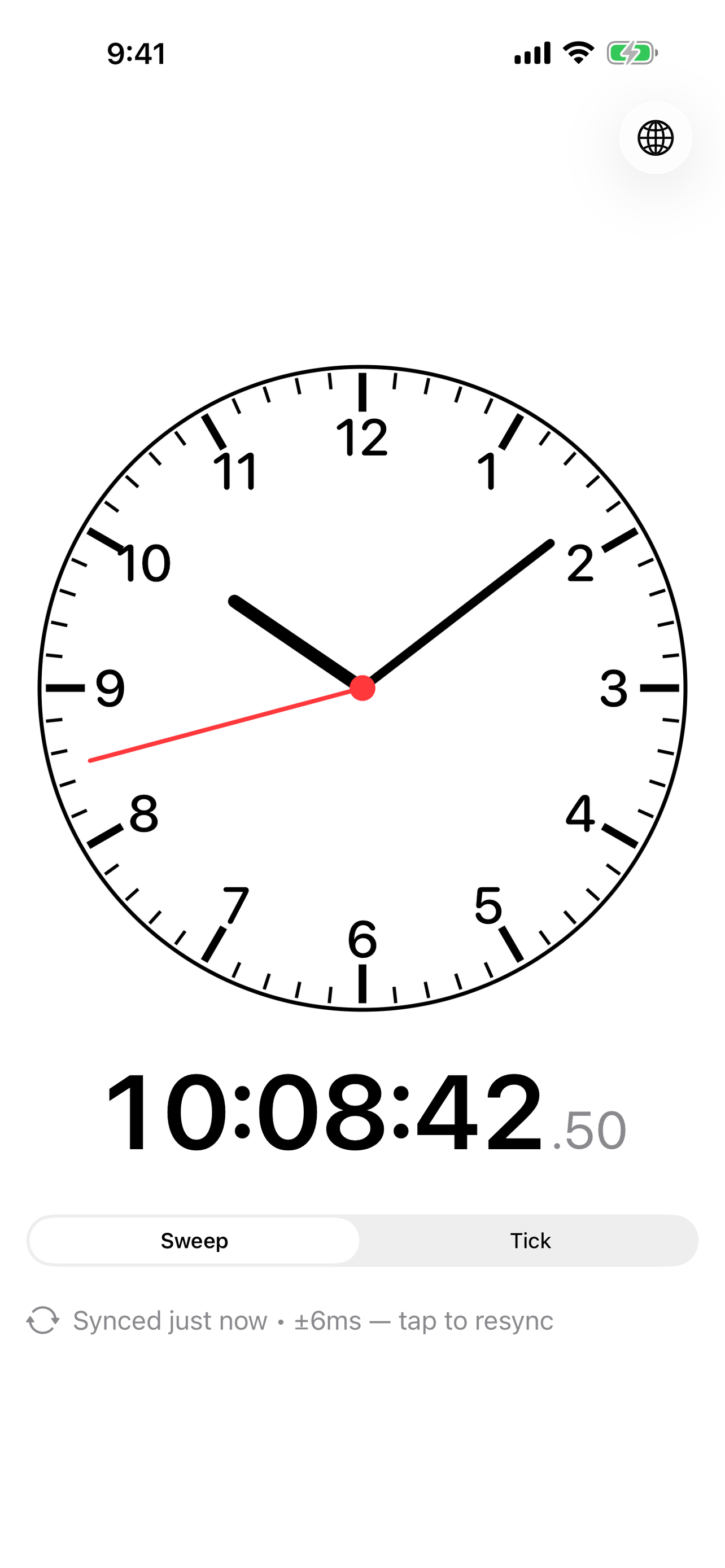
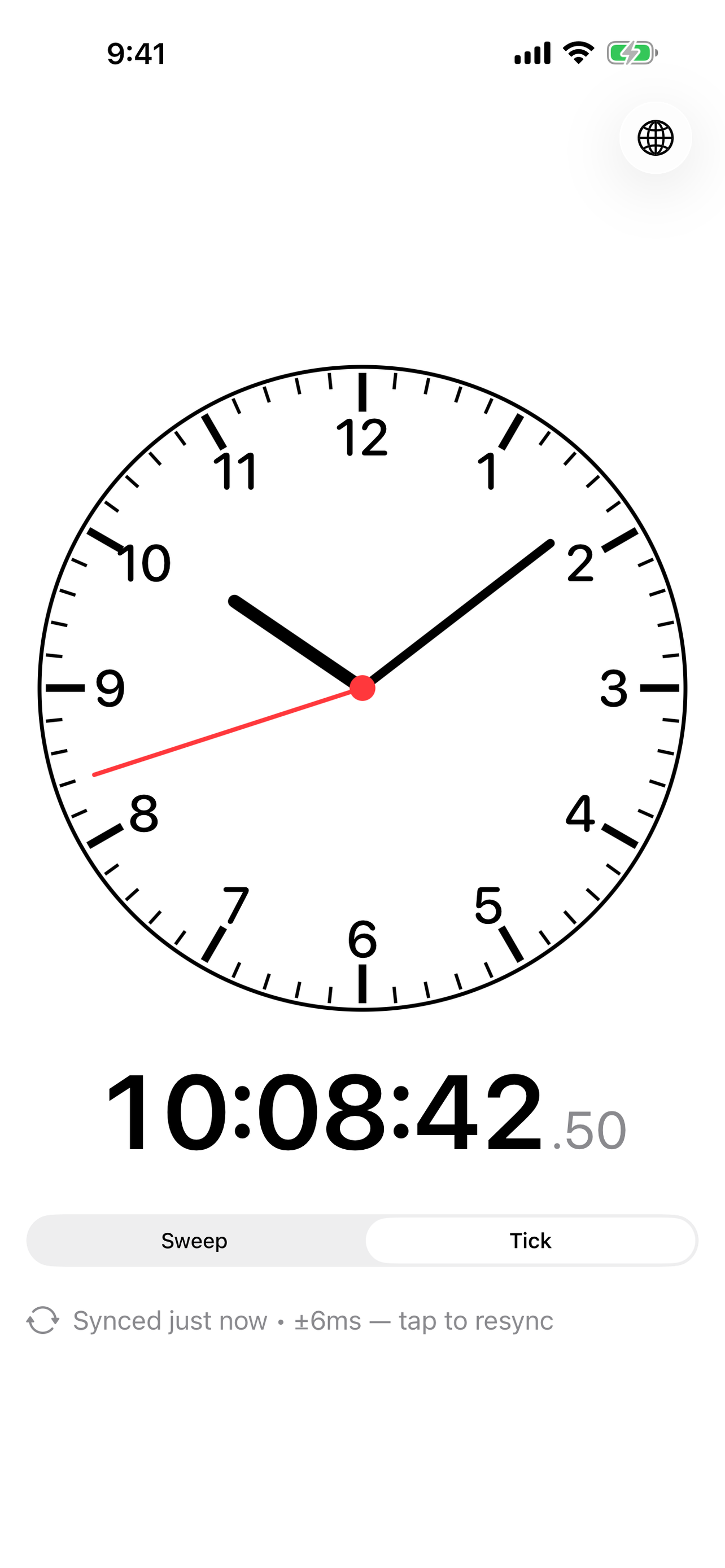
Sweep or tick

Pick a smooth sweeping second hand, or a per-second tick. Whatever matches the watch you’re setting.

SNTP-synced

One round-trip to time.apple.com on launch, with millisecond-level offset shown so you know what you’re looking at.

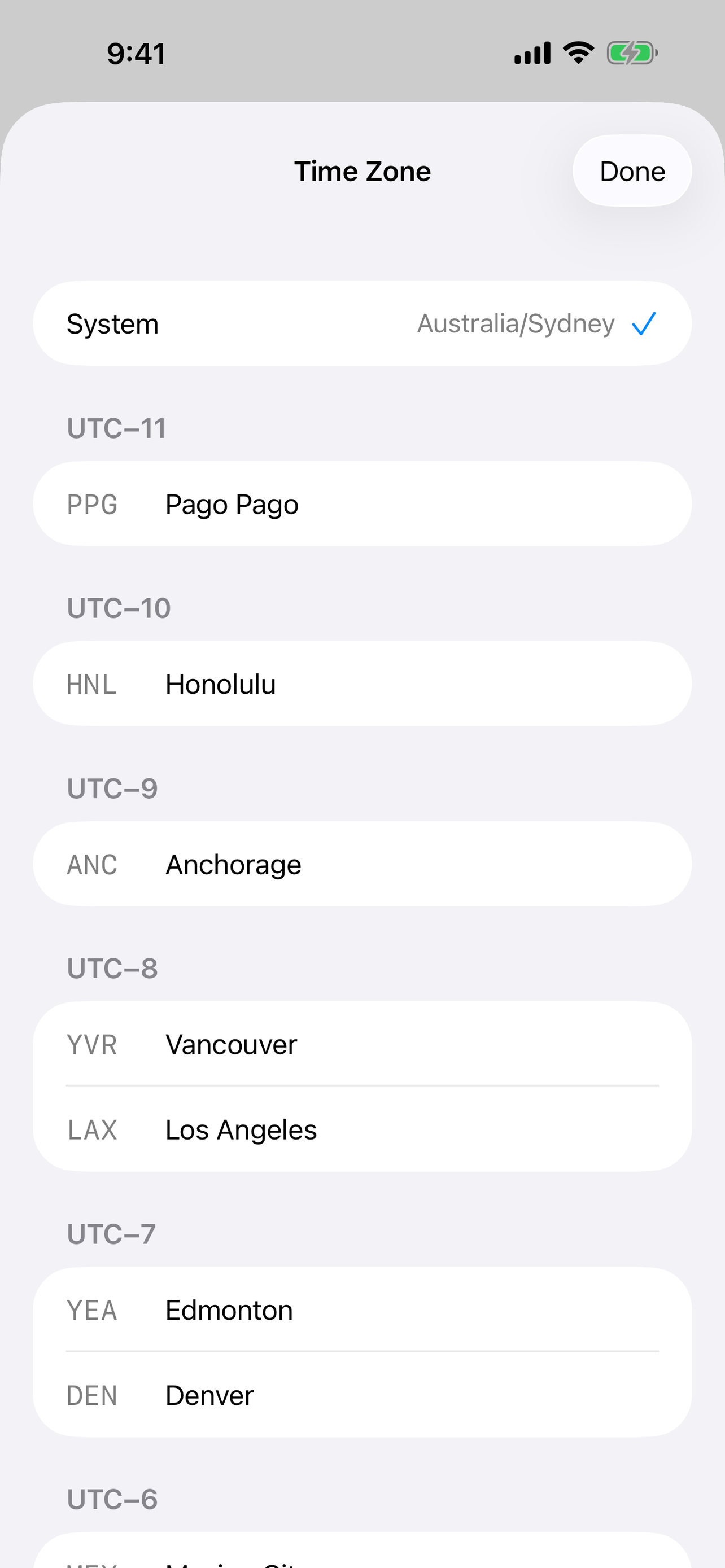
48 cities

The exact city set from the Casio AE-1200 World Time module, sectioned by UTC offset.

Nothing else

No accounts, no analytics, no ads, no trackers. The only network call is the time check.

In use

Light or dark, your call.

Sweeping second hand

Sweep mode — smooth analogue motion.

Ticking second hand

Tick mode — one step per second.

Time zone picker

Time zone picker — 48 cities, AE-1200 set.

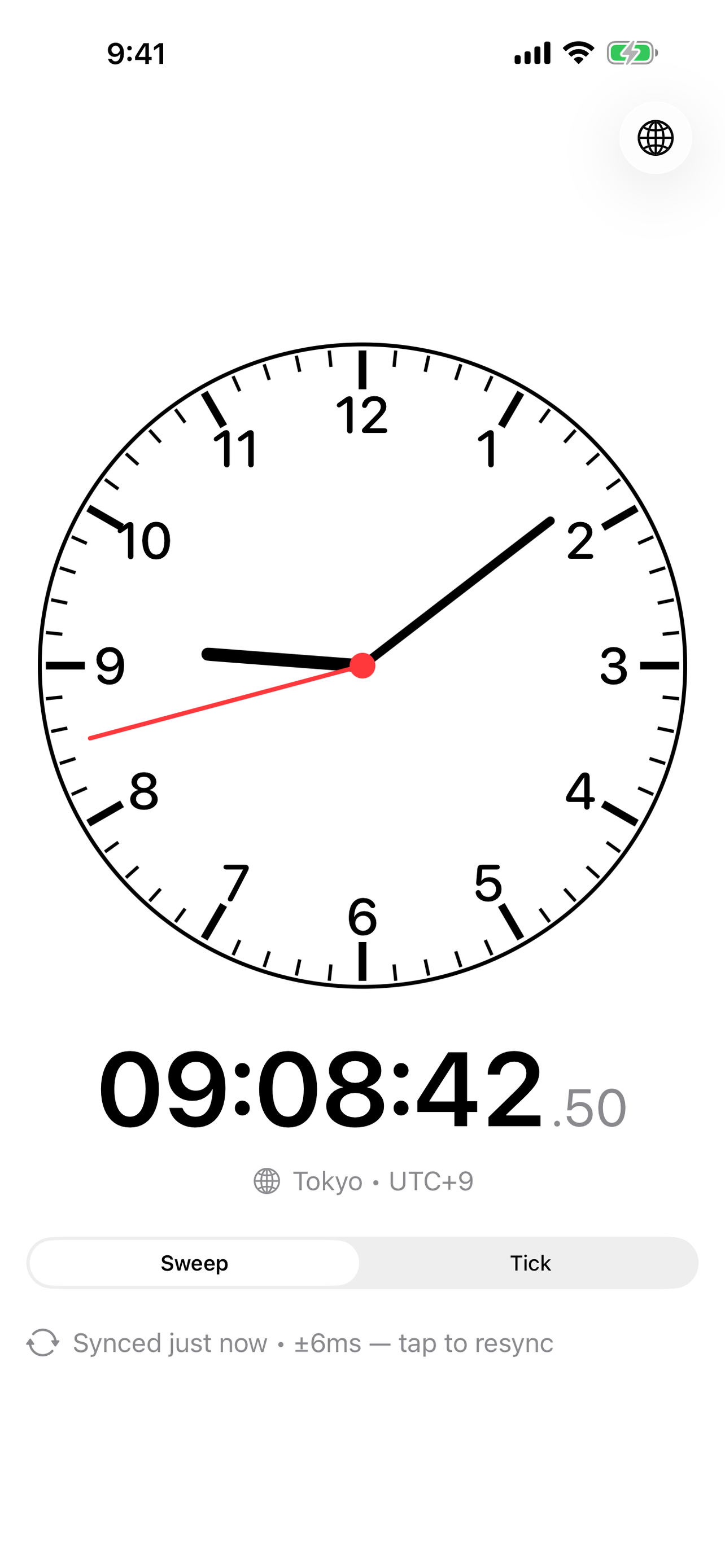
Tokyo time

Non-local zones show a chip with the city.

Why this exists

Setting a watch on the minute.

If you’ve ever tried to set a mechanical watch precisely — pull the crown, line up the minute, and release on the second — you’ve probably noticed iOS won’t help. The stock Clock app hides seconds on purpose.

A clock without seconds is a clock you can’t set anything else by.

Accurate Clock is the smallest possible app that solves this: a clear analogue face, a digital readout with hundredths, and an honest indication of how far off your device clock is from network time.