This post is about a new course template I designed and have been using for my teaching at ANU. The idea is to author lectures, tutorials, and class resources in Markdown and then have files automatically converted to PDF and HTML and arranged in a simple website to share with students and colleagues.
My new template uses pandoc for file conversion, a simple python script to create the website and a big Makefile for building everything.
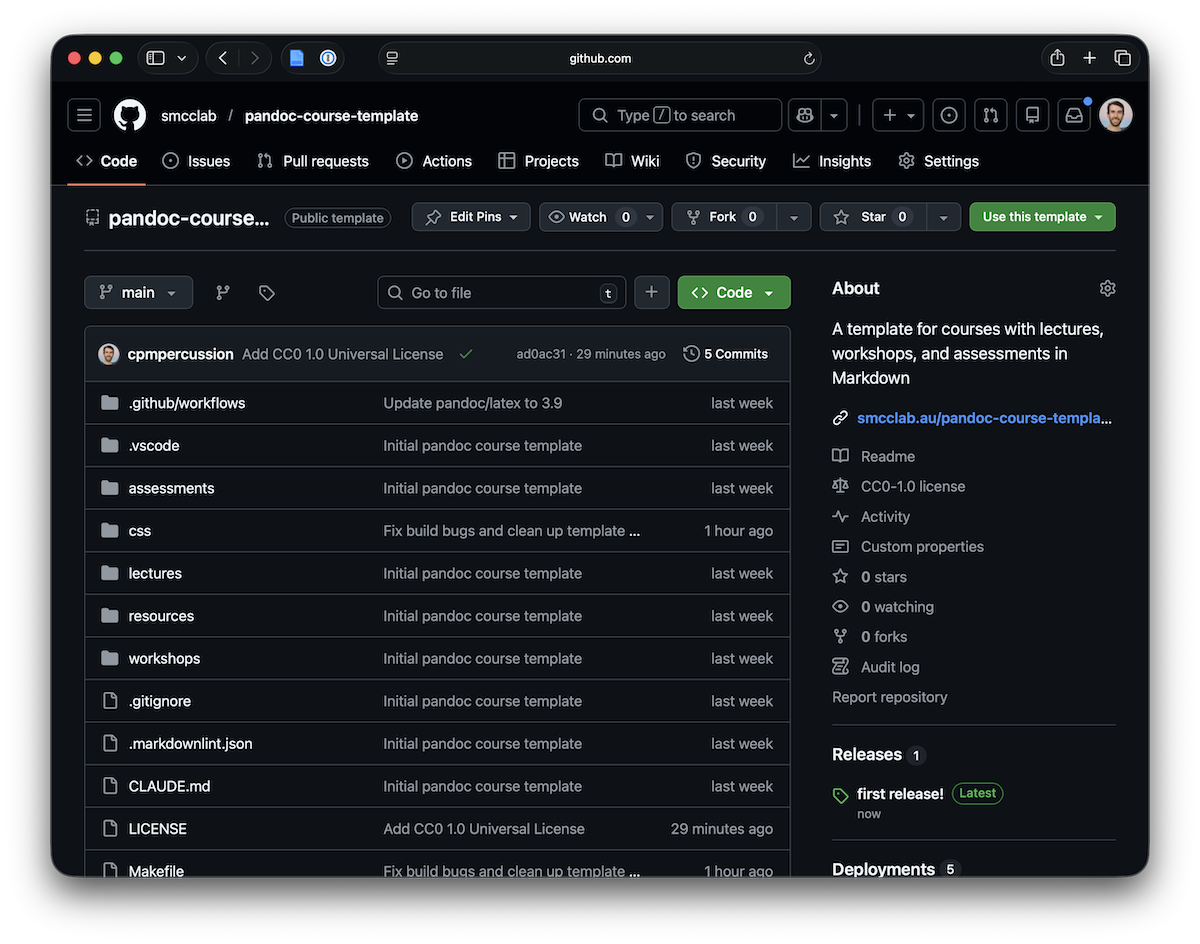
If you want to try out the template, here it is:
- The template: https://github.com/smcclab/pandoc-course-template/
- The example built website: http://smcclab.au/pandoc-course-template/
A tale of many templates.
I’ve been designing university courses for around eight years now and I’m always on the lookout for ways to improve my workflow for structuring and authoring
course material. All of my courses have a mix of presentations (lectures) and documents (tutorial or lab class plans). Being a computer science person
I obviously want to author these documents in markdown1, and keep them under source control, and to have clean outputs for any system that a student may use
to access them.
My first experiments in this area used pandoc, the “universal document converter”, to html format presentations using reveal.js.
After joining ANU, I adapted my illustrious colleague Ben Swift’s approach using jekyll and a handy plugin to build nice websites for courses.
This approach led to some great websites which are easy to share with students and colleagues, but I often got feedback from students that they wanted PDF versions of slides to review (and markup) and I wanted to be able to integrate more fully with our university’s LMS (was Moodle, now Canvas).
Now, some years later, priorities have changed a bit. While I still want a nice HTML version of my course materials, I also want clean PDFs (to upload into the LMS), and I want bibtex references throughout.
Now, pandoc can take markdown files and output HTML, PDF (using a LaTeX templating system), and supports proper referencing and bibliographies! So, I went back to pandoc and developed a fully-featured template that will solve all my problems (for now anyway).
The template
The template includes folders for lectures, workshops/tutorials/labs, and course resources.
 pandoc-course-template/
  ├── _config.toml              # Course metadata (title, author, institution, year)
  ├── references.bib            # Shared BibTeX bibliography
  ├── apa.csl                   # APA citation style
  ├── Makefile                  # Build script
  ├── generate_index.py         # Generates build/index.html from _config.toml
  │
  ├── lectures/                 # Slide decks (LaTeX beamer PDF, reveal.js HTML)
  │   ├── img/
  │   └── 01-example-lecture.md
  │
  ├── assessments/              # Assessment specs (converted to HTML and PDF)
  │   ├── img/
  │   └── 01-example-assessment.md
  │
  ├── workshops/                # Workshop/tutorial/lab activities (converted to HTML and PDF)
  │   ├── img/
  │   └── 01-example-workshop.md
  │
  ├── resources/                # Supplementary resources (converted to HTML and PDF)
  │   ├── img/
  │   └── 01-example-resource.md
  │
  ├── css/
  │   ├── reveal_dark.scss      # Custom dark theme (compiled to build/lectures/reveal_dark.css)
  │   └── slides.css            # Inline CSS snippet for use with --include-in-header
  │
  ├── .github/
  │   └── workflows/
  │       └── deploy.yml        # Builds and deploys to GitHub Pages on push to main
  │
  └── build/                    # Generated output (not committed)
      ├── index.html
      ├── lectures/
      ├── assessments/
      ├── workshops/
      └── resources/
The critical files here are the Makefile that builds all parts of the template, and the generate_index.py script which creates a bare-bones index.html file in the build directory. The GitHub Action pushes the built website straight to a GitHub Pages website.
Lectures, assessments, workshops and resources get their own directories to help keep track of your teaching materials. Images for each kind of material are kept separately, basically so that in your IDE or editor you can reference img/an_image.jpg and get a sensible image in your markdown preview.
The Makefile converts all the materials (depending on their type), and assembles them in the build directory which can be uploaded to a webserver or (as is the default), installed in a github pages site.
The template is capital-T Template on Github to make it easy to adapt for different courses. It’s licensed under CC-0.
The trickiest part of this template are the style configurations for the slides. For PDF, I use pandoc’s beamer template, the Metropolis theme and Owl colour theme.
I’ve used lualatex and have a fallback font to support nice colour emojis in my slides.
For HTML, I have a nice-ish custom-made dark reveal theme which builds from scss.
I’ve definitely made beamer slides from scratch in the past but it’s still a bit of mystery for me. The PDF and HTML versions of the slides are certainly different but close enough to be ok.
Some learnings
So far, I have used this template for my Human-Computer Interaction course (redesigned in 2025) and my Tutor Training Course. Both sites are humming along nicely.
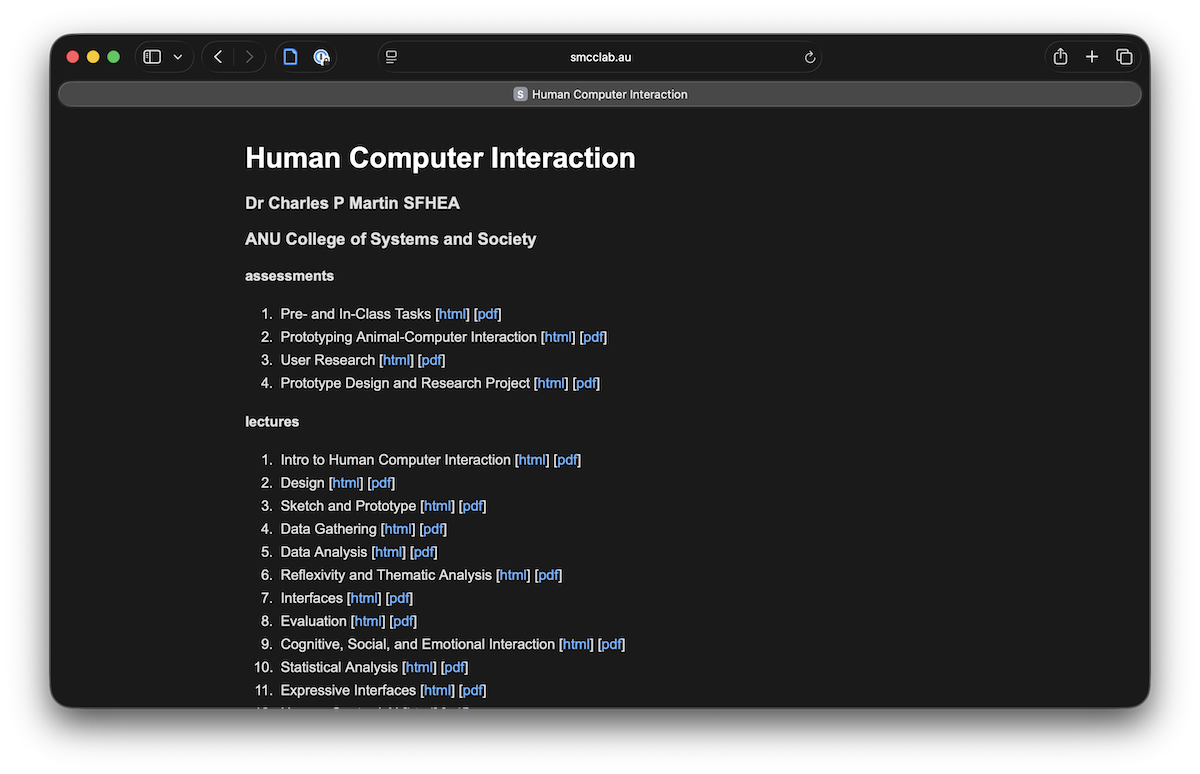
For the HCI course, I uploaded the PDFs (manually..) to Canvas and copy-pasted text from the assignments and workshops.
While it’s obviously annoying to copy-paste things, I find that having a self-contained LMS site is appreciated by students. It might help to reduce a bit of the cognitive load that students feel in computing courses where there are (naturally) lots of different technologies involved. On the other hand, the standalone site is ideal for sharing my course materials with my colleagues, both at ANU and around the world, so I like having an independently-hosted version of my courses.
I’ve included a script for counting words, images, slides, and other statistics in my lectures. I find it helpful to keep track of how many slides I have across a course and especially how many images I have per slide. This helps me balance my course design and speak for too long in lectures!
One drawback with this setup is speed. Pandoc to HTML is not too slow, but Pandoc to PDF is (unfortunately) very slow. This is a bit of a pain with many lectures to convert and specifically for the Github action as all the lectures have to be rebuilt for each update.
-
Well, maybe not obviously, but for the purposes of course design I’m a
markdownperson and not a LaTeX person. ↩