Redesigning HCI teaching for the next generation of researchers
01 Dec '25
Human-computer interaction is one of the most genuinely interdisciplinary fields in computing. It asks students to move between user experience theory, design practice, empirical research, and reflective communication — often within a single project. This semester I completed a major redesign of COMP3900/6390, ANU’s undergraduate and postgraduate introductory HCI course, with a clear goal: to scaffold all the core skills of HCI research so that every student who finishes the course has actually done HCI, not just read about it.
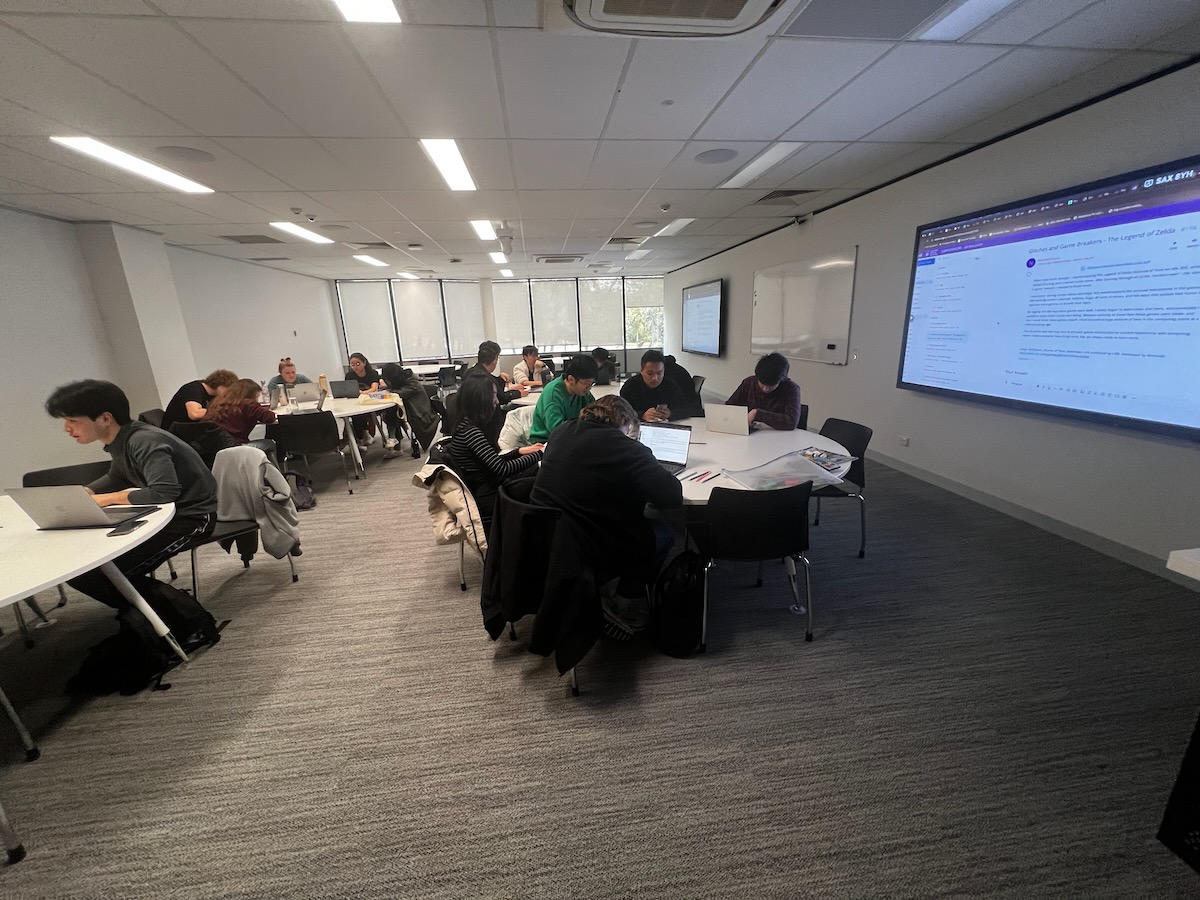
This post is a reflection on how that redesign worked, what held it together, and what I would do again.
The Problem with Teaching HCI
HCI courses can easily drift in one of two directions. They become either a survey of theory and classic papers — leaving students unable to design or evaluate anything — or a design studio that skips the empirical rigour that makes HCI a legitimate research field. Neither produces researchers who can make meaningful contributions to the field.
COMP3900/6390 is a 3000-level course, so students arrive with substantial computing experience but often limited exposure to design thinking, social science methods, or academic research conventions. The redesign started from a simple question: what does a new HCI researcher actually need to be able to do?
The answer I landed on: needs finding, prototype development, qualitative research, quantitative research, research planning, and research reporting. Every decision about the course structure — lectures, workshops, assessments — was made in terms of how it supported these six skills.
The Course Arc
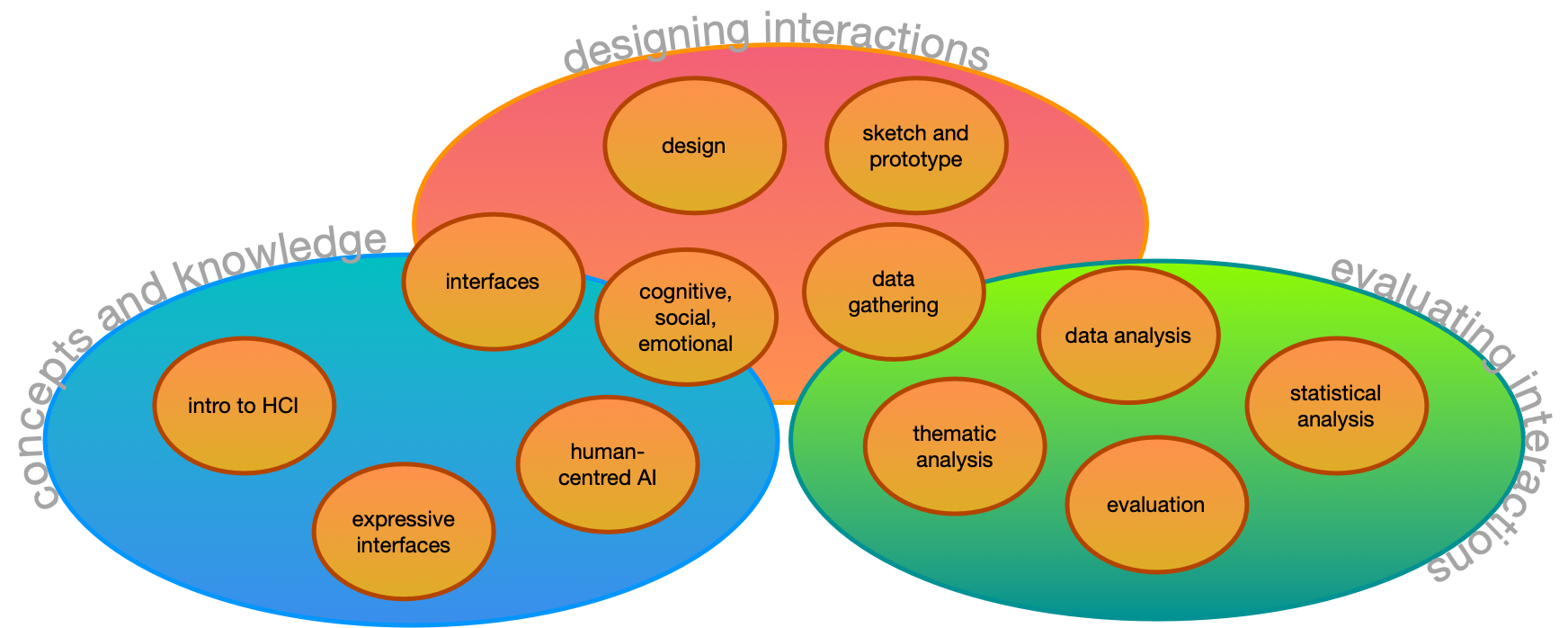
The course runs for 12 weeks with a lecture each week and 10 tutorials (weeks 2-11). Three assessments are spaced across the semester:
- Assignment 1 (20%, week 5): Prototype design
- Assignment 2 (30%, week 9): User research study
- Final Project (40%, week 13): Prototype design and evaluation
The key structural decision was that each major skill is practiced twice: first in a lower-stakes context, then again in the final project where students bring everything together. Prototyping appears in Assignment 1 and the final project. Research planning and data analysis appear in Assignment 2 and the final project. This means the final project is not a scramble to learn new things under pressure, rather, it’s a consolidation of skills the students have already practiced.
The lectures and tutorials follow a matching progression:
| Weeks | Theme | Skills |
|---|---|---|
| 1-2 | Foundations | Usability, user experience, design principles |
| 3-4 | Design and Prototyping | Double diamond, requirements, ideation, sketching, prototyping |
| 5-7 | Data Gathering | Observation, interviews, surveys, questionnaires |
| 7-8 | Data Analysis | Thematic analysis, quantitative analysis, statistical testing |
| 9-11 | Evaluation and Research | Evaluation planning, research questions, research design |
| 12 | Synthesis | Reporting, presentation, reflexivity (postgraduate) |
Interactive Lectures
From the first lecture, I embedded interactive activities throughout every class. These are structured moments where students discuss a question with the person next to them before we hear responses from the room. Examples include:
- Discussing a technology they find easy or frustrating to use (to introduce usability goals)
- Developing one design requirement for a hypothetical product (smart home assistant, restaurant ordering app, or robot for computer labs)
- Trying out the “worst idea ever” design protocol
- Scenario-mapping on a live Miro board to ideate interface designs
- Polling on whether a design is good or bad — and, more importantly, why
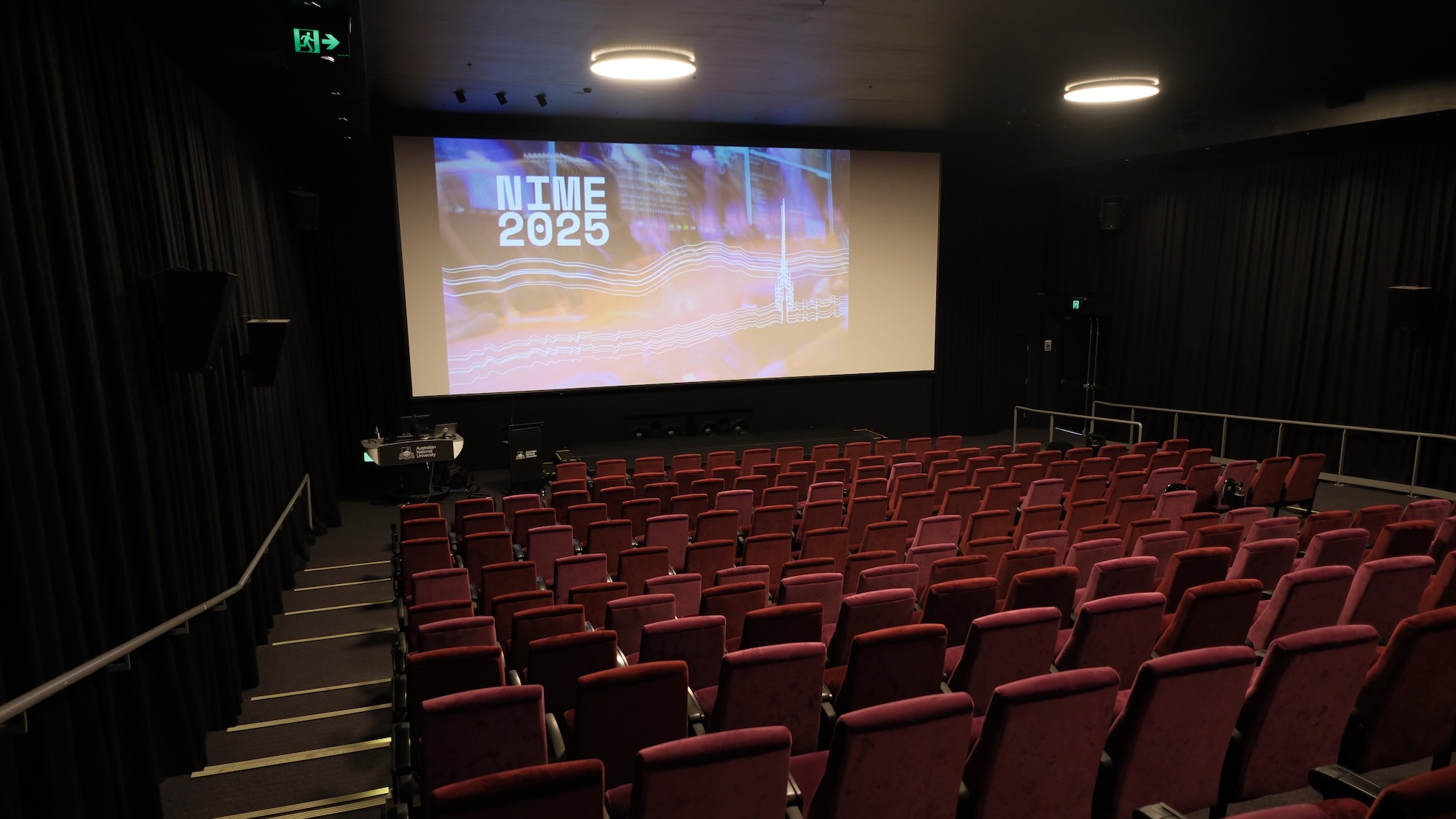
These activities serve two purposes. They break up a 2-hour lecture in a 300-seat cinema (with very comfy seats yawn) and keep students engaged; but more importantly, they model how to think about HCI problems, not just what to think. Students get a preview of the collaborative reasoning they’ll need in class, and connect theory to practice in real time.
Workshops with a Consistent Structure
Every tutorial follows a consistent structure:
- Pre-class task: a 100-200 word forum post, completed before arriving, that requires students to engage with the week’s topic in some concrete way
- Discussion of pre-class tasks: the tutor opens by reviewing posts on the big screen, surfacing themes and questions
- In-class tasks: two to three collaborative activities that build toward a skill used in the assessments
- Reporting back: groups share findings or outputs with the class
The pre-class tasks are not busy-work. They prime students to participate meaningfully in the in-class discussion, and they build a growing dataset of shared observations that the class can use. For example, the Week 6 thematic analysis tutorial asks students to bring their pre-class posts from Weeks 1 and 2 (about technologies meaningful to them), code them at home, and then use those coded texts as raw data for a group affinity mapping exercise in class. The thematic analysis skills they practice on their own writing are the same skills they will apply to interview data in Assignment 2.
Some highlights from specific tutorials:
Week 2 — Making (co-designed with Sandy Ma): Students create an eight-page zine from a single sheet of A3 paper, reflecting on their personal journey with computing. This is deliberately slow and tactile — a counterpoint to a computing degree that can be dominated by screen time. Students discuss usability and user experience through the lens of technologies that mattered to them personally before they apply those concepts analytically. Arts-and-crafts in a 3000-level computing course has been called “a choice”, but slowing down and making something physical is one of the best ways to open up conversations about what experience in computing actually means.
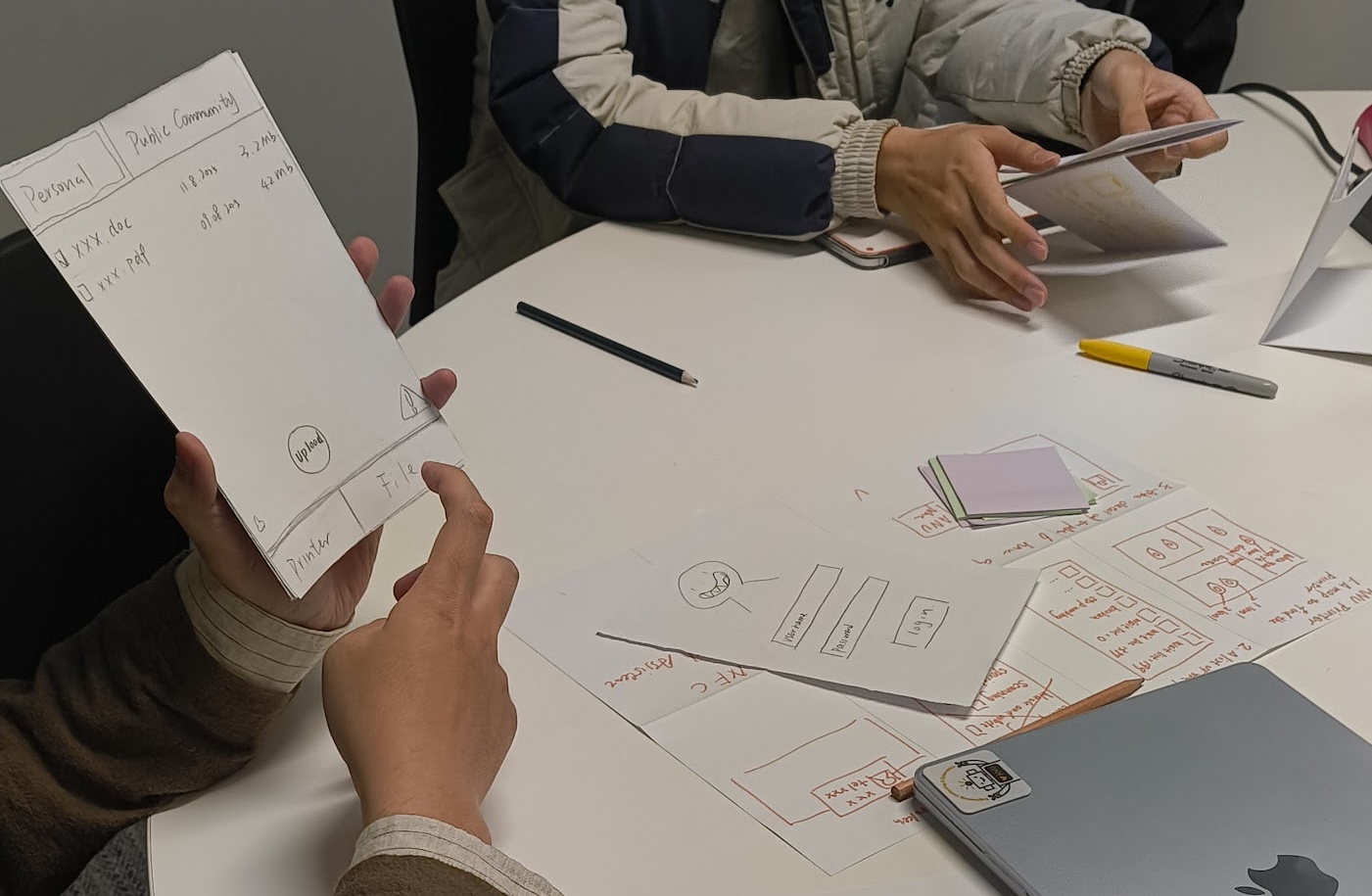
Week 4 — Prototyping: Students use “Crazy 8’s” to generate eight sketched design ideas in eight minutes, then vote on the best one as a group, create a storyboard, and build a paper prototype. They then present and evaluate whether their prototype is actually testable. This whole process mirrors what they will do individually in Assignment 1.
Week 5 — Interviews (co-designed with Erika Wood): Students design a semi-structured interview guide, practice their interview on a classmate, receive structured feedback, and reflect on how the questions influenced the data they collected. This week is followed by the quantitative counterpart:
Week 6 — Surveys (co-designed with Karla Kelly): Students administer the System Usability Scale (SUS) on real interfaces, pool class data into a shared spreadsheet, and then analyse it together in Python (via Google Colab). They calculate descriptive statistics, generate histograms and boxplots, run a t-test, and write up findings in plain language. This may be the first time students have done statistical analysis on survey data so connecting it to an interface they have just evaluated makes the purpose of the methods concrete.
Week 7 — Thematic Analysis (co-designed with Karla Kelly): Students go through the full arc of reflexive thematic analysis: coding their own pre-class texts at home, writing codes onto sticky notes in class, building an affinity map on a wall, developing and naming themes, and writing findings statements.
Assessments: Practicing Skills Twice
Each of the three assessments was designed to practice specific skills, and the most important skills appear twice.
Assignment 1 — Prototyping Animal-Computer Interaction is a deliberately unusual design brief: since a burst of neutrinos has given all non-human animals near-human intelligence, students must prototype a computer system for one everyday task that works for one kind of animal and a human. The imaginative scenario is intentional to forces students to think carefully about interaction design from first principles rather than defaulting to familiar solutions. The submission requires sketches, a prototype of any fidelity, and a written design rationale covering task, users, design process, and prototype features.
Assignment 2 — AI Interface Usability asks students to run a small user research study on an AI-integrated interface with 3-5 classmates as participants. The research question is fixed (“how do users’ mental models of an AI system align with its actual behaviour”), but the interface and study design are up to the student. The submission requires both quantitative and qualitative data collection and analysis, a study plan justified by HCI literature, and a summary of conclusions.
The Final Project — Sustainable Living Through Technology brings everything together. Students develop their own research question, design a testable prototype that addresses the UN Sustainable Development Goals (with a requirement for non-standard interaction beyond a standard web app), plan an evaluation, run the study with 3-5 classmates, analyse data, and report findings. Postgraduate students additionally write a positionality statement reflecting on how their background and experiences shaped their design and research choices.
The final output is a 5-minute video presentation and written documentation. The video requirement is unusual — more on that below.
Accountability Through Real Data
One of the strongest design decisions in the course is the requirement that research participants must be current students in COMP3900/6390. Students cannot recruit friends outside the course, pay participants, or make up data. They have to actually attend class, meet people, arrange sessions, and collect data from real participants who have similar technical backgrounds and can engage meaningfully with the systems being studied.
This creates productive interdependence. Students who need participants are also participants in others’ studies. Showing up and being present in tutorials is logistically necessary for completing the assessments. The class forum and the tutorials become spaces for coordination.
Research Reporting as a Video
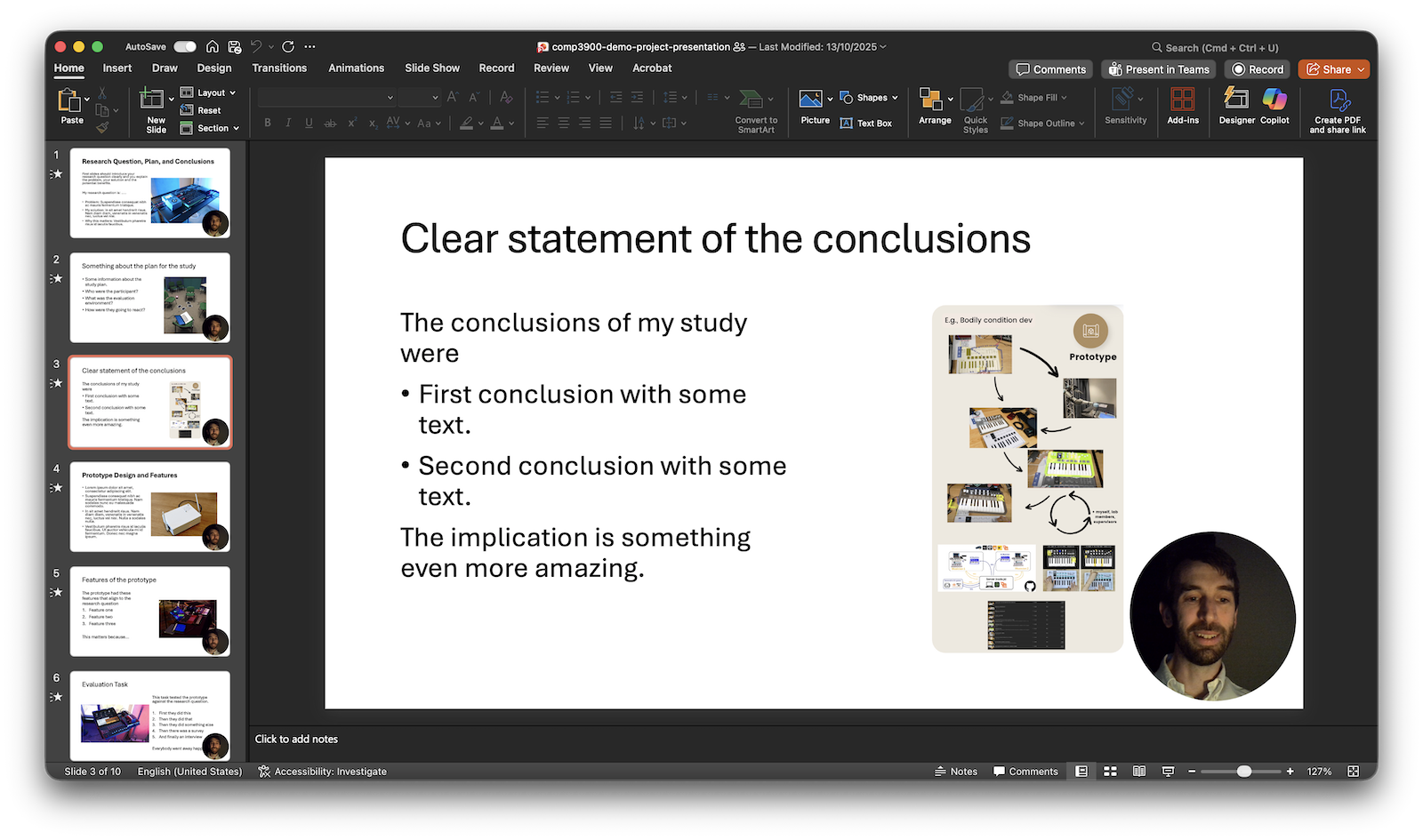
The final project is submitted as a video presentation. Students must record a 5-minute video that includes their voice, their face and a demonstration of their prototype. Generative AI and text-to-speech are explicitly not permitted for the presentation itself.
This requirement came out of a conviction that HCI researchers need to be able to communicate their work, not just document it and an acknowledgement in an era of ubiquitous and instant gen-AI text generation, we need to move beyond written modes of assessment to see the students authentic understanding. While a five-minute video may only take five minutes to record, preparing a research question, explaining design choices, demonstrating a prototype, and summarising findings requires an integrated understanding of HCI.
The hard 5-minute constraint on length is as important as the format. Students need to identify what is the most important parts of their work to present and focus on quality rather than quantity in evaluation.
While marking almost 300 final assessments was going to be challenging under any circumstances, making these assessments 5-minute videos certainly keeps the time requirements bound. It’s also far more enjoyable to hear students explain their research themselves, put faces to names and feel an authentic connection through a video rather than a (potentially very generic) written submission. I’ll keep looking for ways to expand on the video assessment format, it may be worth integrating into other parts of the course to (again) give students more scaffolding of expectations and practical skills.
Looking Forward
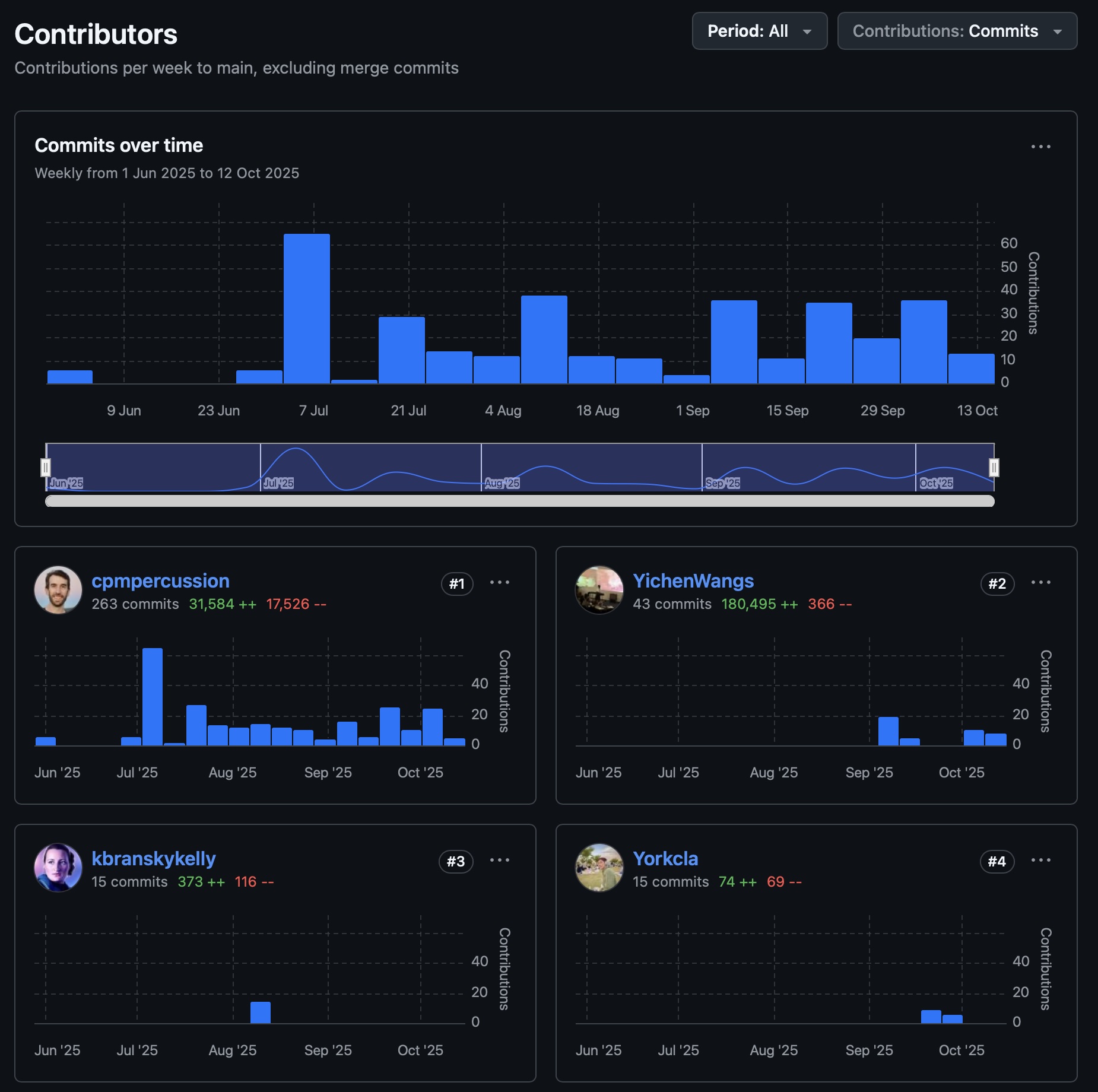
The scaffolded structure worked. By the time students reach the final project, they have already written a design rationale, designed a study plan, collected and analysed both qualitative and quantitative data, and received feedback on all of it. The final project becomes a genuine act of synthesis rather than a catch-up exercise.
Scaffolding and spaced repetition of practice are evidence backed teaching skills but some students were not happy to repeat things they had already done. Communicating the expectation of levelling up skills rather than just completing a project will be important next time.
The imaginative design challenges (animals using computers, Sam Altman worried about AI usability, students as ANU Sustainable Living Leads) have been well-received. They make the requirements clear and the design space open without requiring students to choose their own topic before they have enough background to make a good choice. I’ll keep those, or develop similarly engaging challenges.
HCI is a field that studies how people and technology shape each other. Teaching it well means giving students the full toolkit: theory, methods, practice, and communication. I think this course, as redesigned, does that.
You can see my course materials online here: https://smcclab.au/thirty-nine-hundred-hci/